 StatHawk
Removing a fan takes them off your list, but they could follow again with the same code. Replace the code first if they shouldn’t come back.
Steps
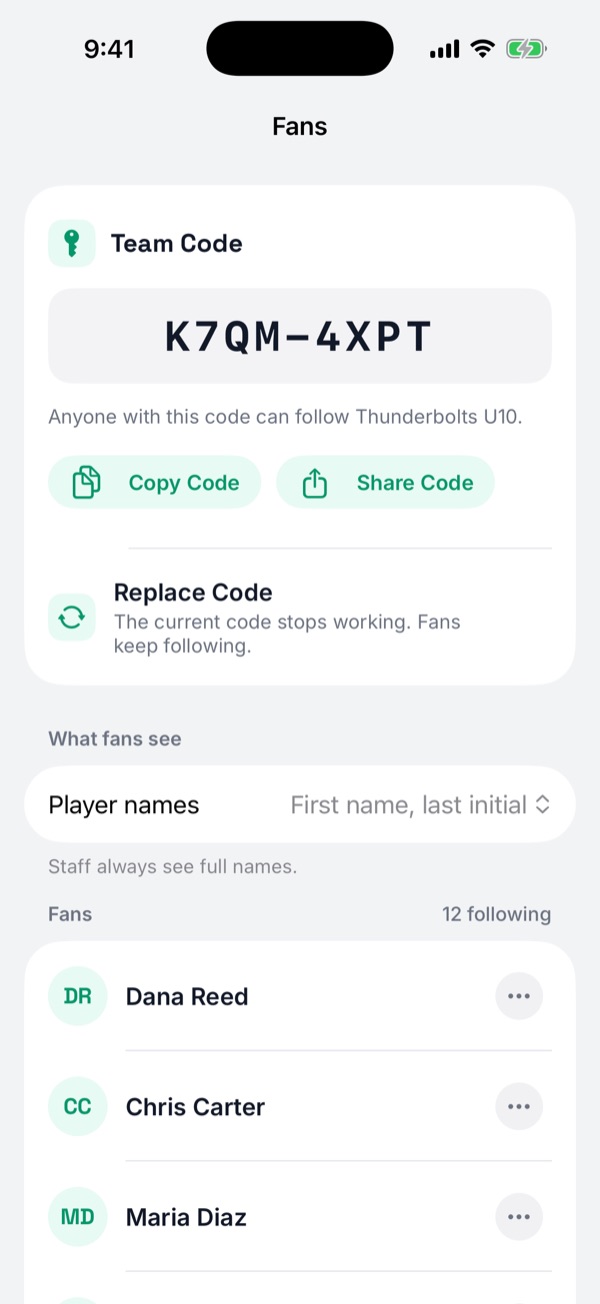
- Open your team, choose ⋯ › Team Settings, then Fans.
- Choose Replace Code, then Replace. The old code stops working. Everyone already following keeps following.
- Find the fan in the list, choose ⋯ next to their name, then Remove Fan and Remove.
- Share the new code with families who still need it.
Did you find this helpful?