 StatHawk
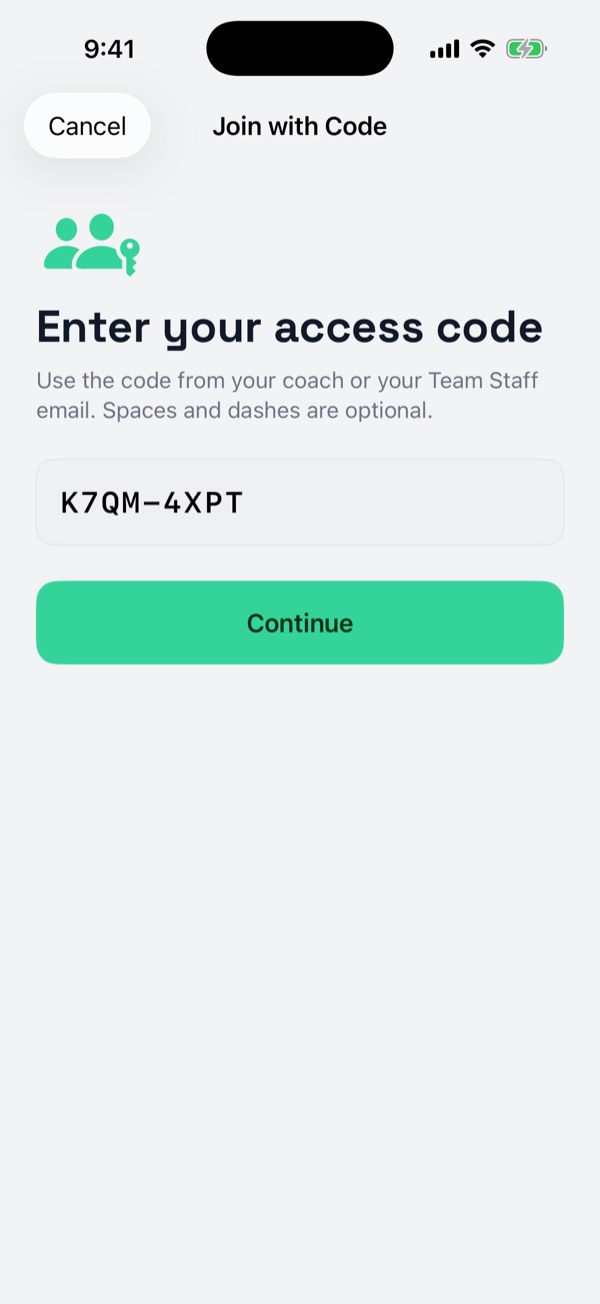
You need the team’s 8-character code from the coach, like K7QM-4XPT. Sign up or log in first; the code goes in after that.
Steps
- Install StatHawk and sign up, or log in if you already have an account.
- On Home, choose + › Join with Code.
- Enter the code and choose Continue, then Follow Team.
- Choose Open Team. From now on the team is under Following on Home.
Stop following
Open the team, choose ⋯ at the top right, then Leave Team, and Leave Team again to confirm.
StatHawk Fan Pro
Every game’s stats are free. Fan Pro adds season stats, each player’s season and game log, past seasons and PDF exports, for every team you follow.
Did you find this helpful?