 StatHawk
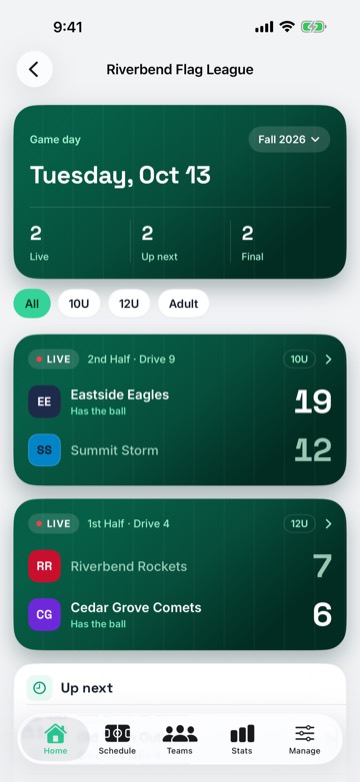
A league holds your divisions, teams, schedule and standings. Scorers you invite can score any game in it.
Steps
- On Home, choose + › Create League, enter the league name, pick the season, and choose Create.
- Open the league’s Manage tab and choose Invite staff.
- Enter their email, set Role to Admin or Scorer, then choose Send. Admins help run the league. Scorers score games and can also keep the schedule, teams and rosters up to date.
- They get an email with a code. In StatHawk they choose + › Join with Code on Home, enter it, choose Continue, then Accept and Join League.
Families and League Pro
Share the league with families from Manage › Fans. League Pro, in Manage, adds league Insights.
Did you find this helpful?