 StatHawk
Record a flag the moment it’s thrown, add one to the play you just scored, or log a penalty with no play.
Steps
- To flag a play as you score it, choose the flag button at the top right of the Pass Play or Rush Play sheet.
- Pick who was flagged, the foul, and the player if you know it. If you track yardage, enter the penalty yards.
- Choose what happened to the play. The choices name the play, like Run stands or Pass doesn’t count, plus Penalty declined and Offsetting penalties. Then pick the down that comes next.
- If you forgot the flag, choose the flag button on the last-play card to add it to the play you just scored, before you score the next one.
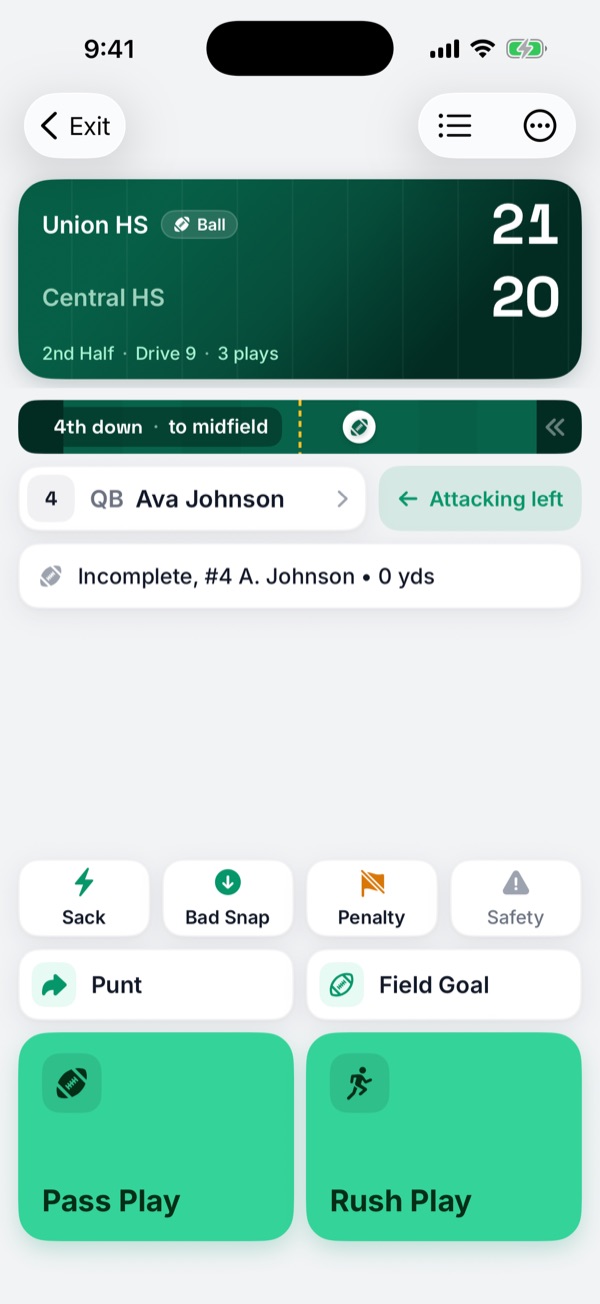
- For a penalty with no play, like a false start, choose Penalty on the Game tab.
Onside conversions
On a NIRSA onside conversion, the play has no flag button. Record any flag with Penalty.
Did you find this helpful?