 StatHawk
Each game can be shared as a box score PDF, a play-by-play spreadsheet, a short summary and, for high school teams, a MaxPreps file.
Steps
- Open the game from Schedule.
- Choose ⋯ at the top right.
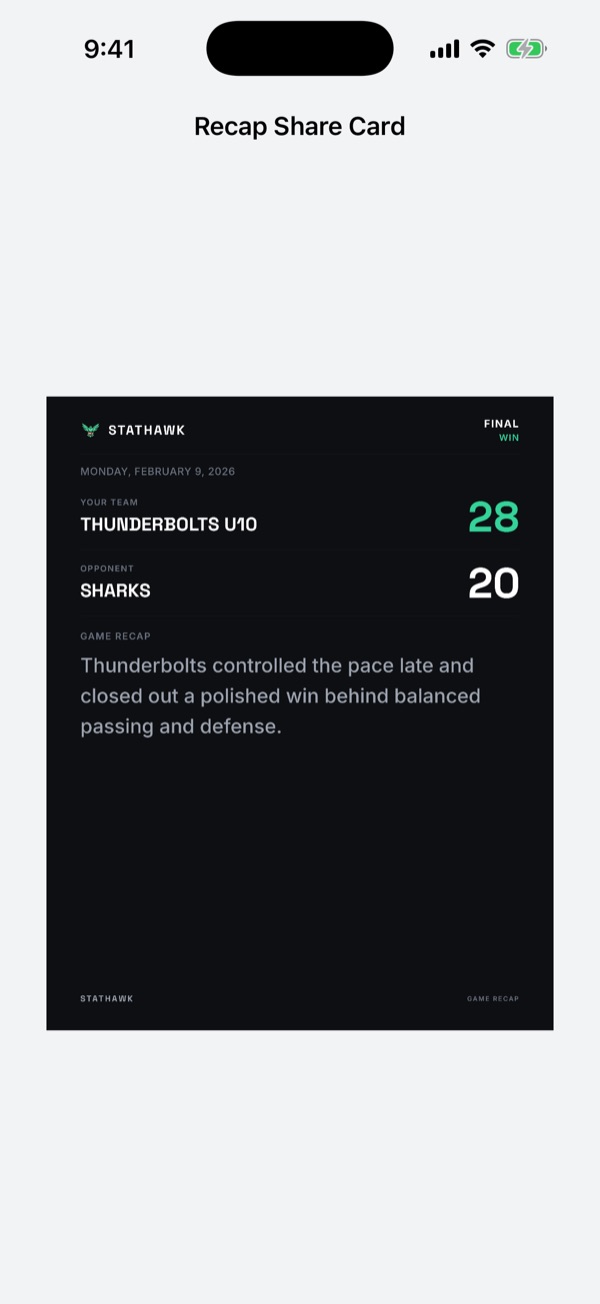
- Pick Export Box Score PDF, Export Play by Play, Export MaxPreps File or Share Game Summary.
- Send it from the share sheet: Messages, Mail, AirDrop or Files.
Season and player PDFs
For the whole season, open the Stats tab and choose the document button at the top right, then Share PDF. For one player, open the player and choose ⋯ › Export PDF Report.
Player cards
Choose Share Game Summary and swipe through it to reach each player’s card. To share one card, open Player Stories on the game’s Game tab, choose a card, then Share.
Fans
Fans can open every game’s stats. PDF exports for fans are part of StatHawk Fan Pro.
Did you find this helpful?